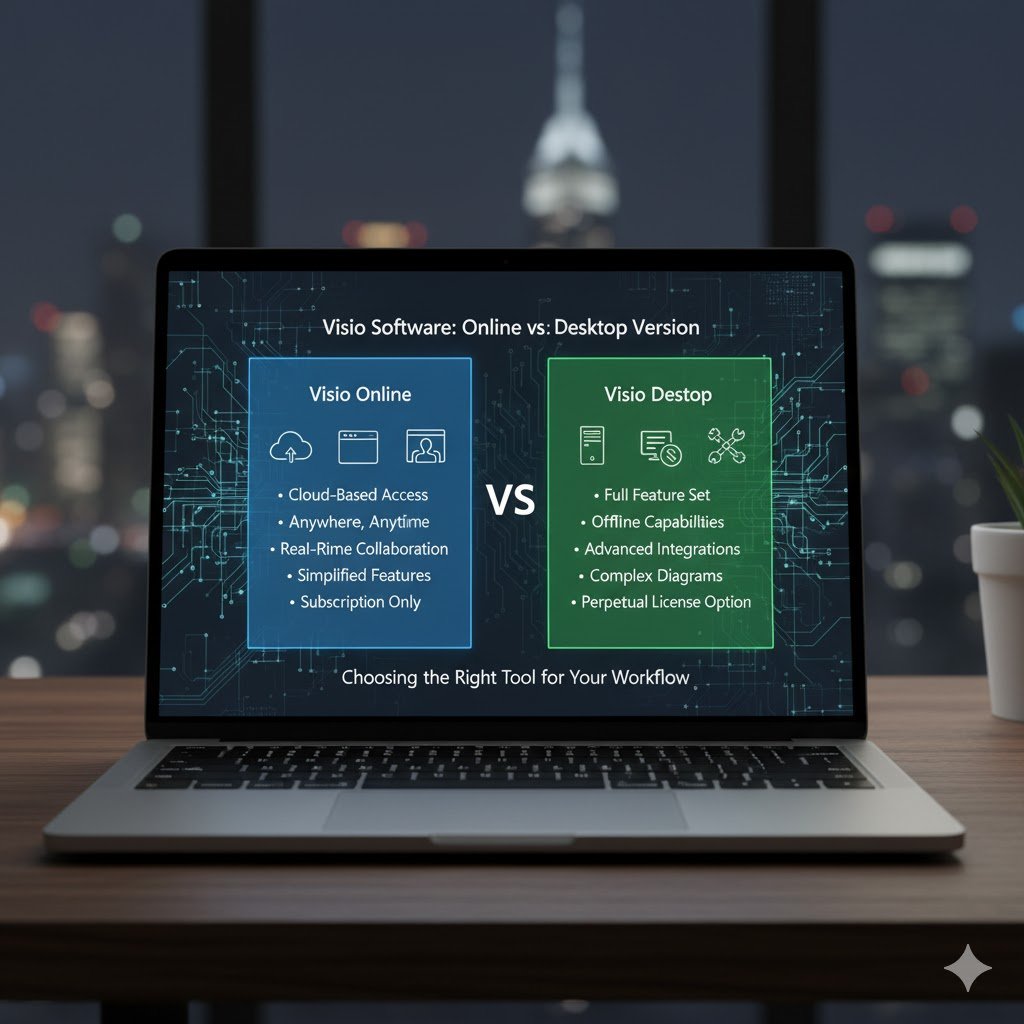

In today’s digital world, visual communication plays a vital role in simplifying complex information. Microsoft Visio is a go-to tool for creating flowcharts, diagrams, and data visualizations. However, users often face a common dilemma: Visio Software Online or the Desktop version? Both offer unique advantages, and the choice largely depends on your workflow, collaboration needs, and budget.
This article explores the differences between Visio Software Online and the Desktop version, helping you make the best decision for your business or personal use.
Understanding Visio Software
Visio is a diagramming application by Microsoft that allows users to design professional diagrams, organizational charts, network layouts, and business processes. With the growing trend toward cloud computing, Microsoft introduced Visio Software Online, a browser-based version that complements the traditional Desktop edition.
Both versions serve the same core purpose: helping professionals visualize and communicate ideas efficiently. But they differ significantly in terms of accessibility, features, and pricing.
Key Differences Between Visio Software Online and Desktop Version
To help you understand the distinction clearly, here’s a detailed comparison between Visio Software Online and its Desktop counterpart.
Comparison Table: Visio Software Online vs Desktop Version
| Feature | Visio Software Online | Visio Desktop Version |
|---|---|---|
| Accessibility | Accessible via web browser on any device | Installed locally on a single computer |
| Collaboration | Real-time collaboration via Microsoft 365 | Limited collaboration; requires file sharing |
| Installation | No installation required | Requires installation and license key |
| Storage | Cloud-based via OneDrive | Local file storage |
| Performance | Dependent on internet connection | Faster performance on capable systems |
| Templates & Shapes | Basic templates and shapes | Advanced templates, shapes, and stencils |
| Integration | Seamless with Microsoft 365 | Integrates with Office apps locally |
| Cost | Subscription-based (included with Microsoft 365 plans) | One-time or subscription licence |
| User Experience | Lightweight and simplified | Advanced, feature-rich interface |
| Best For | Teams needing online collaboration | Power users and professionals needing full functionality |
Advantages of Visio Software Online
1. Cloud Accessibility
One of the biggest advantages of Visio Software Online is its accessibility. You can access your diagrams from anywhere, at any time, using any device with an internet connection. This flexibility makes it perfect for remote teams and businesses with hybrid work models.
2. Real-Time Collaboration
Visio Online allows multiple users to work on the same diagram simultaneously. Changes are reflected instantly, promoting teamwork and reducing version conflicts. Integrated with Microsoft Teams and OneDrive, it streamlines communication and document sharing.
3. No Installation Required
You don’t need to install anything on your computer. Since it runs in a web browser, updates and new features are rolled out automatically, saving time and avoiding compatibility issues.
4. Cost-Effective
The subscription-based model makes Visio Software Online more affordable for small businesses and startups. It’s also bundled with some Microsoft 365 plans, providing excellent value for users already using the ecosystem.
Advantages of the Desktop Version
1. Advanced Features and Tools
The Desktop version is designed for power users. It includes advanced diagramming capabilities, data linking, custom stencils, and automation tools. Professionals dealing with complex engineering or network diagrams will find these features indispensable.
2. Offline Access
Unlike the online version, the Desktop version doesn’t rely on an internet connection. You can work offline without interruptions, which is especially beneficial for users with limited or unstable connectivity.
3. Enhanced Performance
Running directly from your computer, the Desktop version often performs faster, especially when handling large and complex diagrams. It’s optimized for heavy workloads that might slow down browser-based applications.
4. Extensive Integration
The Desktop app integrates seamlessly with other Microsoft products like Excel, Access, and Power BI, making it easier to link data and visualize reports dynamically.
Which Version Should You Choose?
Choosing between Visio Software Online and the Desktop version depends on your needs:
Choose Visio Software Online if:
You prefer a cloud-based solution.
Collaboration is a priority.
You use Microsoft 365 frequently.
You need easy access from multiple devices.
Choose the Desktop Version if:
You require advanced diagramming features.
You work with complex engineering or database diagrams.
You prefer working offline.
You need high-performance and detailed control.
The Ideal Solution: Combine Both
Many organisations find that using both versions provides the best of both worlds. Employees can use Visio Software Online for collaborative, real-time projects and switch to the Desktop version for advanced or high-performance tasks.
This hybrid approach enhances flexibility and ensures productivity across various work environments.
Frequently Asked Questions (FAQs)
1. Is Visio Software Online free to use?
No, Visio Software Online requires a Microsoft 365 subscription. However, Microsoft offers trial versions and various pricing tiers depending on the required features.
2. Can I open Desktop files in Visio Online?
Yes, you can open and edit most Visio Desktop files in Visio Software Online. However, certain advanced features might not display correctly online.
3. Do I need to install Visio Software Online?
No installation is required. You can use it directly from your web browser through your Microsoft 365 account.
4. Which version is better for team projects?
Visio Software Online is better for team collaboration because it supports real-time editing, cloud storage, and seamless Microsoft Teams integration.
5. Can I use both Visio Online and Desktop together?
Yes, both versions can work together. You can start a project online and continue editing it on the Desktop version for more advanced features.
Conclusion
Both Visio Software Online and the Desktop version have their strengths. The online version shines in accessibility and teamwork, while the Desktop edition dominates in power and performance. For most modern teams, a combination of both offers the perfect balance of flexibility, collaboration, and capability.
When choosing, consider your workflow, team size, and budget to ensure you invest in the version that aligns best with your needs.


Comments are closed.